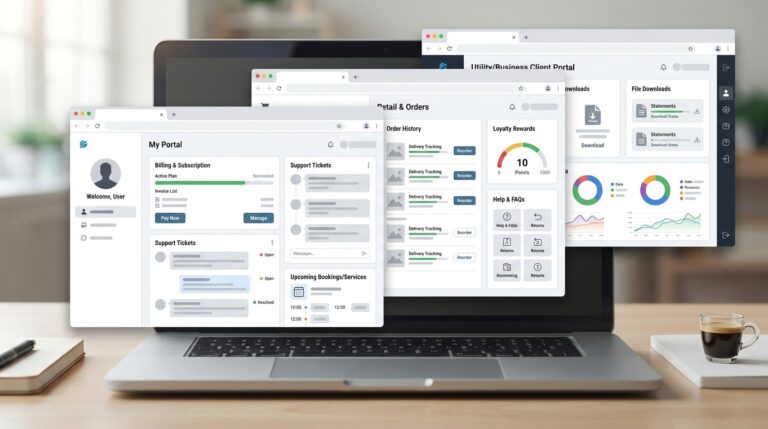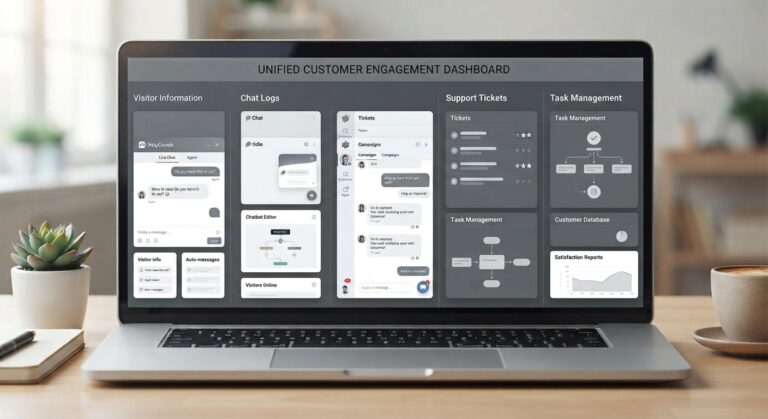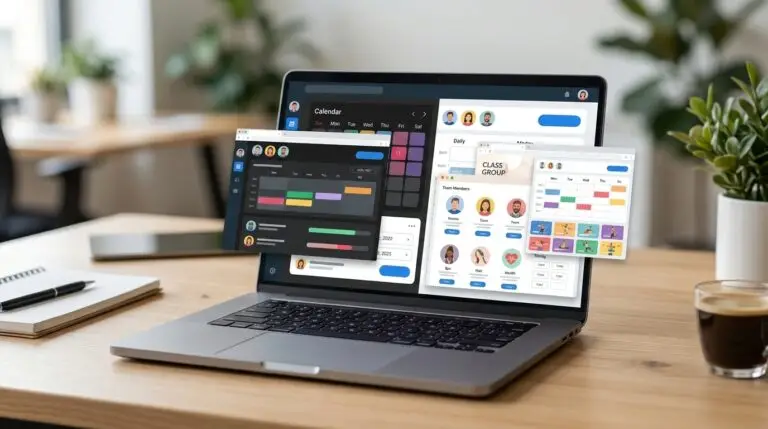
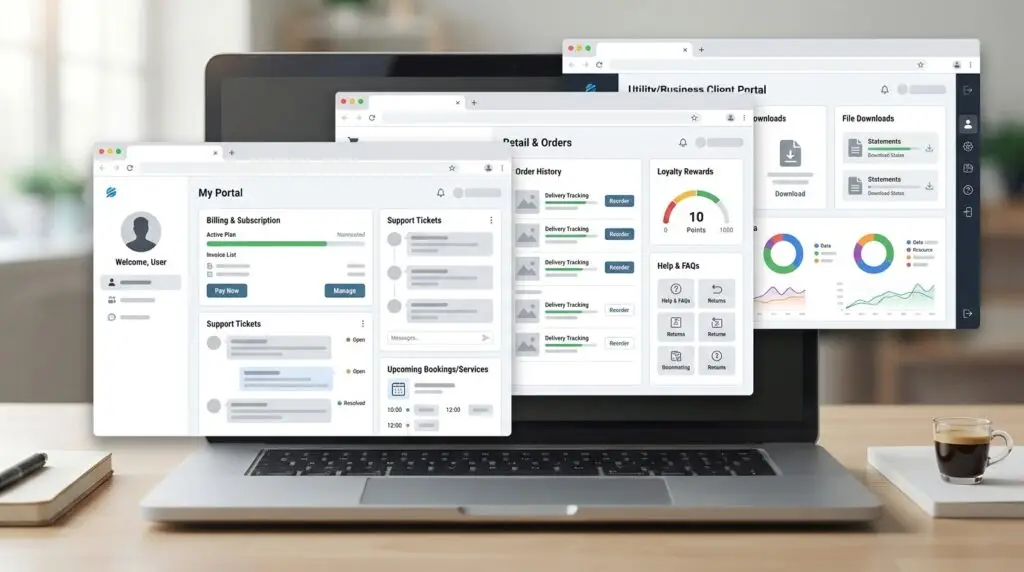
How do you build a Customer Portal for your business in 2027? Start by identifying what customers need to access, choose the right features, plan a secure user experience, and develop a portal that connects with your existing business systems. A well-designed customer portal allows customers to manage their accounts, track requests, access documents, make payments, and get support without depending on your team for every task.
Whether you run a service company, an e-commerce business, or a growing SaaS company, a customer portal can make everyday interactions easier.
What Is a Customer Portal?
A Customer Portal is a secure, web-based platform where customers log in to access information, manage services, submit requests, and communicate with a business.
Instead of sending emails or making phone calls for every update, customers can find relevant information through one dashboard.
For example, a law firm's client portal might provide access to case documents, while an e-commerce portal could let customers track orders and review purchase history.
Common customer portal features include:
Secure customer login and registration.
Personal account dashboards.
Order and service tracking.
Document uploads and downloads.
Online payments and invoices.
Support tickets and messaging.
Notifications and account updates.
Why Does Your Business Need a Customer Portal?
A customer portal gives people more control over their interactions with your business. It can also reduce repetitive administrative work and help your team organize customer information.
According to Salesforce, 61% of customers prefer self-service channels for simple issues. This shows why giving customers convenient access to routine information can improve their experience. Source: Salesforce.
However, self-service needs to work properly. Gartner reported that only 14% of customer service issues were fully resolved through self-service in its December 2023 survey. This highlights the importance of providing useful information and a clear way to contact a human when needed. Source: Gartner.
How to Build a Customer Portal Step by Step
Building a customer portal requires more than adding a login page to your website. You need to plan the customer journey, features, integrations, and security before development begins.
1. Identify Your Business Requirements
First, decide what customers should be able to do inside the portal.A subscription business might need billing history and plan management, while a service provider may need appointment scheduling, document sharing, and request tracking.List the problems your portal should solve. This helps prevent unnecessary features and keeps development focused on real business needs.
2. Choose the Right Development Approach
You can build a customer portal using an existing platform or develop a custom web application.A ready-made platform may work when your requirements are straightforward. Custom development is more suitable when you need specific workflows, unique dashboards, or integrations with existing business software.
3. Design a Simple Customer Dashboard
The dashboard is usually the first screen customers see after logging in. Keep it organized and easy to navigate.Include important information such as account details, recent activity, pending requests, invoices, and support options. Make sure the layout works smoothly on mobile devices as well as desktop screens.
4. Add Essential Features and Integrations
Choose features based on how customers interact with your business.For example, connect your portal with a CRM to organize customer records, a payment gateway to process transactions, or an inventory system to display order updates.API integrations can help different systems exchange information without requiring employees to enter the same data repeatedly.
5. Prioritize Security and User Permissions
A customer portal may contain personal details, payment information, business documents, or confidential records. Security should be part of the development process from the beginning.Use secure authentication, encrypted connections, appropriate session management, and role-based access controls. Customers should only be able to view their own authorized information.Follow established guidance such as the OWASP Secure Application Development Cheat Sheet and its access control recommendations.
6. Test Before Launching
Test the portal with different user accounts and devices before making it available to customers.Check login and password recovery, form submissions, payment flows, notifications, and access permissions. Ask a small group of users to try common tasks and report anything confusing.After launch, monitor errors, customer feedback, and usage to identify areas for improvement.
How Metaclosys Can Help You Build a Customer Portal
If your business needs a portal that works around its existing processes, Metaclosys offers custom web application development for customer portals, dashboards, and internal business tools.
Rather than forcing your team to adapt to a generic platform, a custom solution can be designed around the way your business manages customers and services.
Metaclosys develops web applications using technologies such as Next.js, MERN, and Laravel. Its capabilities include secure authentication, user roles, custom dashboards, API integrations, and payment connections.
For example, a service business could build a portal where customers log in, submit requests, upload documents, and check progress. An e-commerce company could develop a customer dashboard for order information and account management.
Explore Metaclosys Custom Web App Development to learn more about building a portal around your business requirements.
Conclusion
Building a Customer Portal in 2027 is an opportunity to make customer interactions more convenient while organizing your internal workflows. Start with the problems your customers experience, select features that solve those problems, and prioritize security, usability, and reliable integrations.
A successful portal does not need every possible feature on day one. Start with the essentials, test the experience, and expand as your business grows. If your requirements involve custom dashboards, secure accounts, and connected business systems, Metaclosys can help turn those requirements into a working web application.
Frequently Asked Questions
1. How much does it cost to build a customer portal?
The cost depends on the number of features, user roles, integrations, security requirements, and development approach. A basic portal generally requires less development than a platform with custom dashboards, payments, and complex workflows. Request a project-based estimate after defining the scope.
2. How long does it take to develop a customer portal?
The timeline depends on complexity. A basic MVP may take several weeks, while a larger portal with multiple integrations and advanced functionality can take several months. Metaclosys states that most MVP projects take 4–8 weeks.
3. What features should a customer portal include?
Essential features can include secure login, customer dashboards, account management, document access, request tracking, notifications, and support options. The exact feature set should reflect your business requirements.
4. Should I build a custom customer portal or use an existing platform?
An existing platform can work for standard requirements. Custom development is a better option when you need specific workflows, unique functionality, tailored dashboards, or integrations with your existing systems.
5. Is a customer portal secure?
A customer portal can be designed securely through authentication, encrypted connections, role-based permissions, secure data handling, and regular testing. Security also requires ongoing maintenance and updates after launch.